Cognitive Load in Remote Tower Controller Workstations
Screen design and workload shape whether remote tower controllers maintain safe operations.
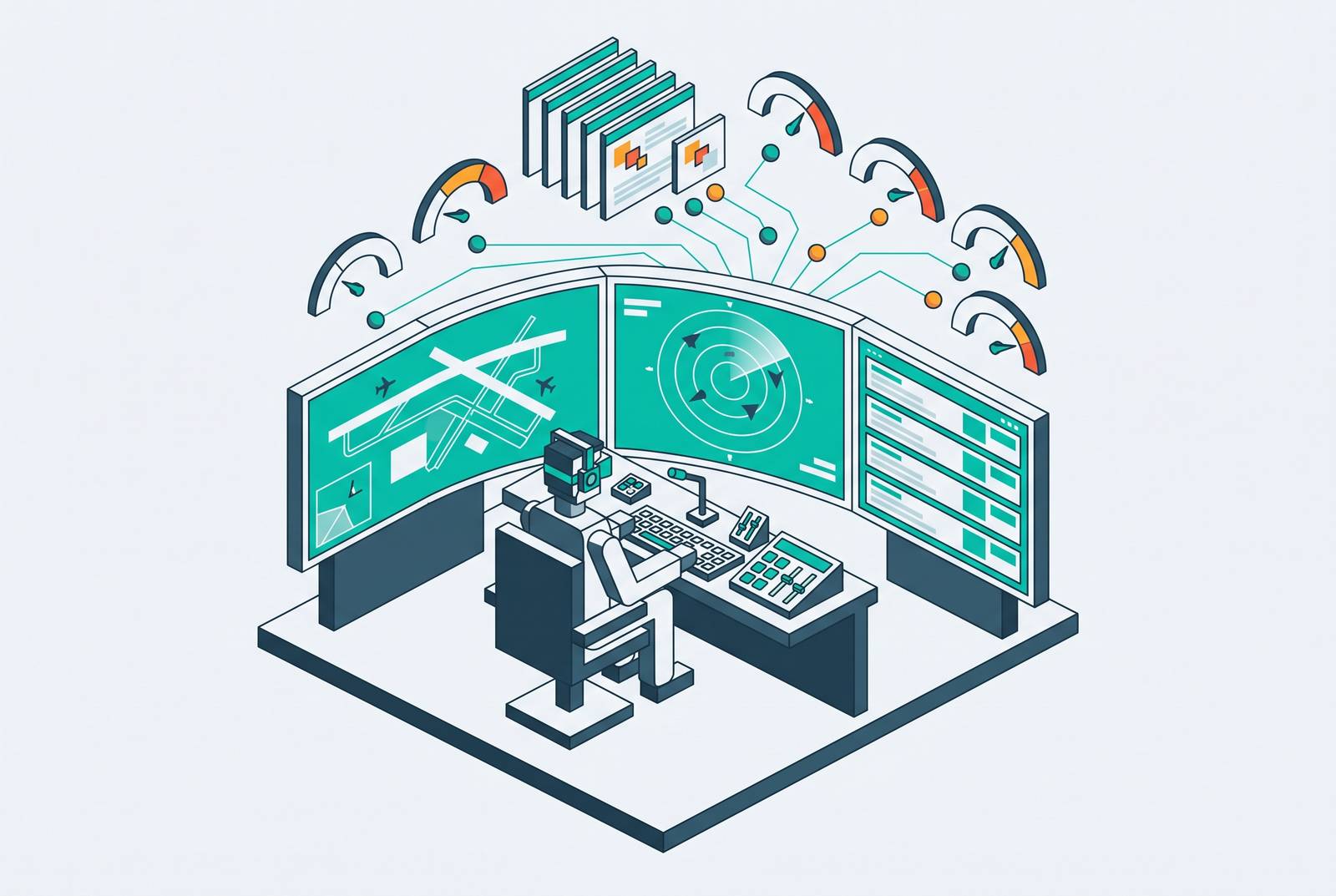
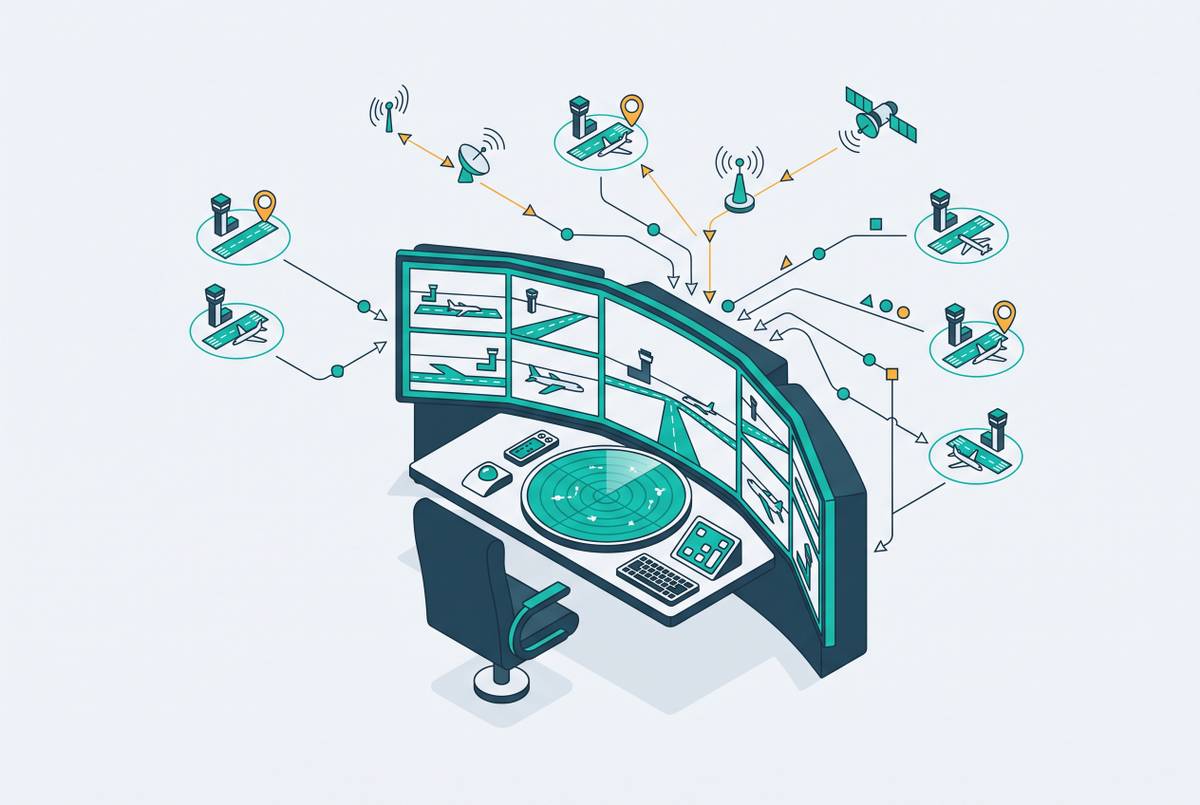
Remote tower controller workstations change how controllers see traffic, keep their situational awareness and deal with demands that compete for their attention. Screen-based scanning, reduced depth perception and multi-airport assignments each place demands on how controllers think, and the design of the workstation shapes whether they can meet those demands safely through a full duty period.
What remote tower workstations actually replace and what they introduce
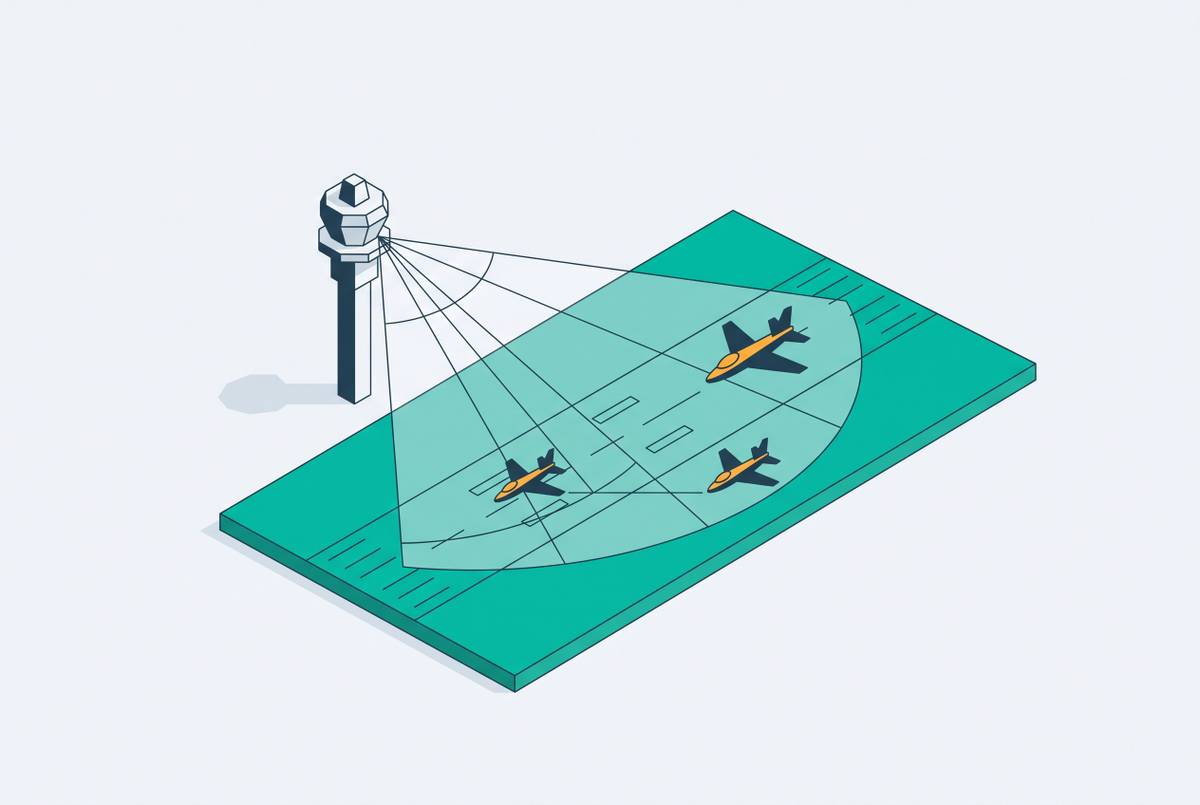
A traditional tower controller looks through the windows at aircraft moving across the airfield, hears engines and radio traffic, and judges distance through real-world sight lines. Sun angle, weather and movement provide environmental cues, while a co-located team adds social redundancy. These inputs arrive together. Some contribute to awareness passively, without requiring the controller to seek them out. The physical setting therefore supplies context as well as a view.
That context supports the three levels of situational awareness, which are perception, comprehension and projection. A controller must spot what is happening, understand what it means and work out what will happen next. In a physical tower, rich, continuous and overlapping sensory inputs support that progression. Direct vision and ambient sound can reinforce the same traffic picture. The baseline is not unaided eyesight, but a layered sensory environment.
A remote workstation replaces that environment with a panoramic screen array fed by cameras, processed audio and remote team coordination. Each channel now passes through a system that the controller must do more to manage. Flat screens structurally degrade the depth cues used to judge aircraft separation and closure rates, regardless of resolution. The controller’s body is also removed from the tower cab, so kinesthetic and environmental cues no longer arrive directly. The workstation introduces a different way of acquiring the information on which control depends.
The cognitive architecture of screen-based visual scanning
Screen-based surveillance requires the controller to construct a traffic picture from mediated images. When controllers use several displays, different sectors and camera angles compete for their attention. Controllers must consciously choose where to look as they scan, with less help from the peripheral vision that supports direct observation. When natural depth cues are missing, symbology, labels and overlays help the controller infer spatial relationships. Visual scanning is therefore a central cognitive bottleneck.
Augmented reality overlays can reduce the effort of matching an aircraft to its data. The Western Sydney International digital system labels aircraft with their call sign, altitude and speed, although camera quality issues have limited CASA certification for visual separation as of 2026. Yet every label also adds visual density and competes for attention.
Sustained screen surveillance also changes the physical pattern of looking. The eye remains at a fixed focal plane for extended periods, without the natural gaze shifts of out-the-window scanning. That creates a fatigue mechanism distinct from traditional tower work. As fatigue accumulates, the challenge extends beyond detecting objects to holding their significance in working memory. The controller must sustain both the scan and the mental picture it serves.
How display luminance and color temperature affect controller performance and fatigue
The light environment affects how well that sustained visual work can be performed. Display luminance and color temperature affect alertness, visual memory and fatigue as well as how an image looks. A screen can carry the right information while presenting it under conditions that make prolonged attention harder. This gives workstation designers a measurable way to address the difficulty of sustaining attention. It does not make the problem purely a matter of brightness.
The Civil Aviation Flight University of China tested eight combinations of illuminance and color temperature on trainees in simulated remote control rooms. The research combined spectrometer measurements, psychomotor vigilance testing, visual memory tests and subjective evaluations. It tested illuminance levels of 300 lx and 400 lx and found optimal visual performance at 400 lx illuminance and 8000 K color temperature. The study also used the Analytic Hierarchy Process to produce a Visual Ergonomics scoring model. These findings provide a basis for specifying and evaluating the light environment.
The simulated study provides actionable guidance while leaving open whether deployed workstations meet suitable parameters and whether the wider problems of workstation design have been solved. Its practical contribution is to show that the same task can impose different demands under different lighting conditions. Eye strain and physical discomfort consume attention that would otherwise be available for traffic management. Performance requirements must therefore cover light settings and take account of fatigue through the duty period as well as how clearly controllers can see at any one time.
How multiple-airport operations amplify the workload problem
The demands of screen-based control compound when a remote tower centre serves several airports. These centres save money by sharing facilities and using controllers across sites, and they can achieve the full savings when controllers serve several airports at once. That operating model changes the nature and volume of the work, as a controller certified for multiple airports may handle traffic at one airport at a time while remaining aware of conditions elsewhere and ready to shift focus. Serving several airports at once demands still more of that awareness.
Each switch requires the controller to rescale a mental spatial model. Airport layouts, traffic patterns and runway orientations differ, while successive camera perspectives can create confusion or spatial disorientation. Radio frequencies, handoffs and the status of an airport outside the current focus add background work. A quiet image on one display therefore does not necessarily indicate a low total workload. The cognitive burden includes the sites the controller is not actively viewing.
The aim is a medium workload, because both underload and overload are hazardous. Multi-airport operations can improve vigilance by counteracting the underload of a single low-traffic airport. But the same setup can lead to overload when controllers have too many assignments, traffic spikes at the same time or they have too little help with context-switching. Underload degrades vigilance, while overload degrades working memory and decision speed. The implication is that single-airport staffing and assignment models cannot simply be carried over without redesign.
Why the memory phase is the highest-risk moment in remote tower operations
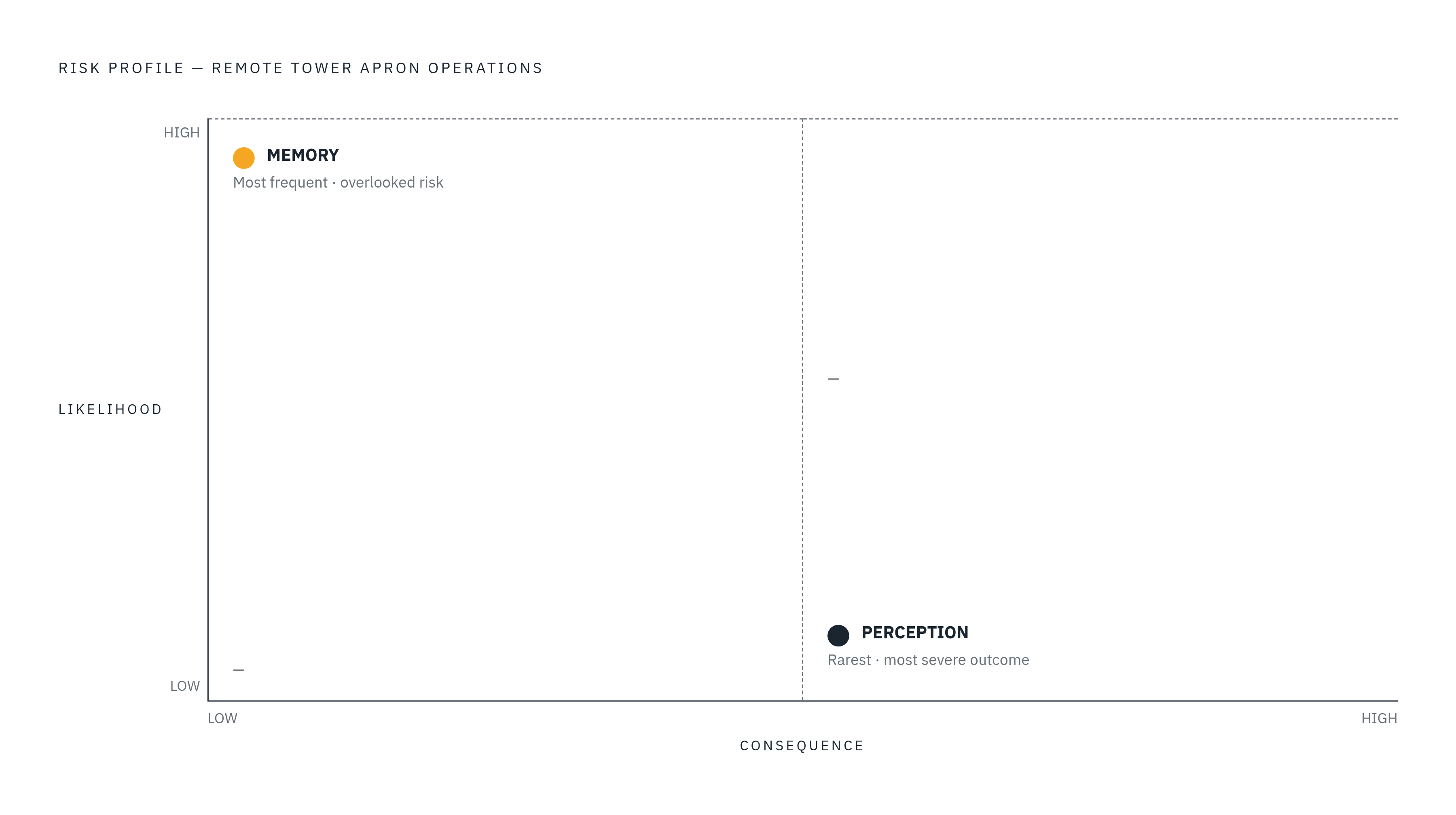
The distinction between vigilance and memory matters because the most likely failure is not necessarily the most severe one. Analysis of human error probabilities in remote tower apron operations found that memory functions had the highest error probability. Perception errors, by contrast, produced the most severe outcomes. This finding identifies a specific vulnerability rather than establishing one ranking for every dimension of risk. It also challenges the assumption that decisions made under pressure are always the primary point of failure.
Working memory failures can appear as forgotten clearances, missed aircraft calls or loss of track of traffic not currently visible on screen. Elevated workload and prolonged duty impair attention and make the control strategy harder to maintain clearly. In a traditional tower, an aircraft taxiing into view or an engine run-up can refresh the controller’s memory without a deliberate search. Those prompts are absent or attenuated at a remote workstation. Controllers therefore have to make more of an effort to keep the traffic picture in mind.
The design response is to externalize memory through electronic flight strips, persistent traffic labels and automated conflict alerts that can reduce what the controller must remember unaided. That returns the argument to the tension between useful overlays and clutter. Information helps when it preserves operational context in a clear, accessible form. Adding visual noise without relieving a memory demand makes an already vulnerable stage harder to sustain.
What workstation design features actively reduce cognitive load
Workstation design must address the whole chain from seeing an aircraft to retaining its status and switching between operating contexts. The light environment is one part of that chain, with the Civil Aviation Flight University of China findings offering parameters for evaluation. Information architecture is another part, with aircraft identity, altitude, speed and conflict alerts shown in ways that cut how much controllers have to keep track of in their heads. The objective is clarity.
Load can also be distributed between people and between people and monitoring functions. Role separation at workstation level reflects the four-eye principle of traditional tower teams, rather than concentrating every demand on one controller. AI-assisted object recognition, optical and radar data fusion, hazard detection and communication transcription can reduce the burden of unaided scanning. These functions have value because they support specific perceptual and monitoring tasks.
The Atrak MAESTRO platform combines these AI functions and was validated at Václav Havel Airport Prague through more than 18 months of real-world testing. Its automatic detection functions flag abnormal situations that would otherwise depend on the controller catching them through scanning. This shifts part of the task from surveillance toward supervision, a less fatiguing cognitive posture. Infrared and zoom capability address another vulnerability by reducing perceptual degradation at night and in adverse weather. For multi-airport work, clear separation between airport views, standardized orientation cues and structured handoff protocols reduce the spatial disorientation associated with switching sites.
Why the staffing crisis makes getting workstation design right more urgent
These requirements matter operationally because remote towers are being introduced under workforce pressure. The FAA Contract Tower Program faces structural understaffing associated with attrition, wage pressure, remote locations and high cost-of-living areas. The DOT OIG March 2026 report found 334 staffing-related ATC-Zero events between February and May 2025. During an ATC-Zero event, an airport has no tower service. Staffing is one cause of such events, and those figures show how staffing shortages interrupt tower service.
The FAA’s request for proposals covers up to 50 units over five years, with Digital Tower Systems initially targeting Class D airspace at non-federal and contract towers. Its 2026 solicitation calls for low latency, continuous visual coverage and systems that work consistently as conditions change. These requirements connect technical performance directly to the controller’s ability to maintain a reliable traffic picture. Interruptions or degraded presentation cannot be treated as separate from the cognitive work of control. The interface is where the service’s technical capability becomes usable operational capacity.
Digital environments serving multiple airports can attract younger controller recruits and make more productive use of the existing certified workforce. Those benefits depend on whether the work remains sustainable after recruitment and deployment. A workstation that produces fatigue, spatial disorientation or working memory failures undermines its own workforce case. It cannot solve a capacity problem by exhausting the people needed to operate it. Workstation design is therefore a workforce question as well as a human factors question.
What the path from uncontrolled airport to digitally managed airfield requires
For an airport that has never had a tower, a remote workstation introduces ATC coverage. At low-activity airports, the economic and safety case is especially strong because remote systems avoid the construction cost of a physical tower and the staffing demands of a co-located team. Capable coverage can address a setting in which pilot deviations become the default outcome of much that goes wrong. But the safety gain depends on the capability being usable in practice. Human factors engineering is therefore a foundational deployment decision.
The workstation specification must reflect how the work will be assigned. A newly covered airport may be quiet while the controller’s multi-airport workload is not. Controllers can still move from underload to overload even when each airport seems to have little traffic on its own. Display parameters, memory support and context-switching design must therefore match the demands of the combined operation. A generic platform specification cannot by itself establish that fit.
For U.S. airports operating under the NAS, the FAA’s requirements for low latency, visual continuity and reliability as conditions change set the minimum level of performance. Cognitive ergonomics shapes whether controllers can keep up that performance through a full duty period. Affordable digital ATC for small, previously uncontrolled airports must include these requirements from the start. Meeting the technical specification while missing the human factors specification risks a system that is safe on paper and fatiguing in practice. Airports receiving their first tower coverage need a service designed to last, including for the controllers whose sustained attention makes it safe.