Controller Workstation Hardware in Remote Tower Deployments
Digital towers need workstations built for safety, not convenience.
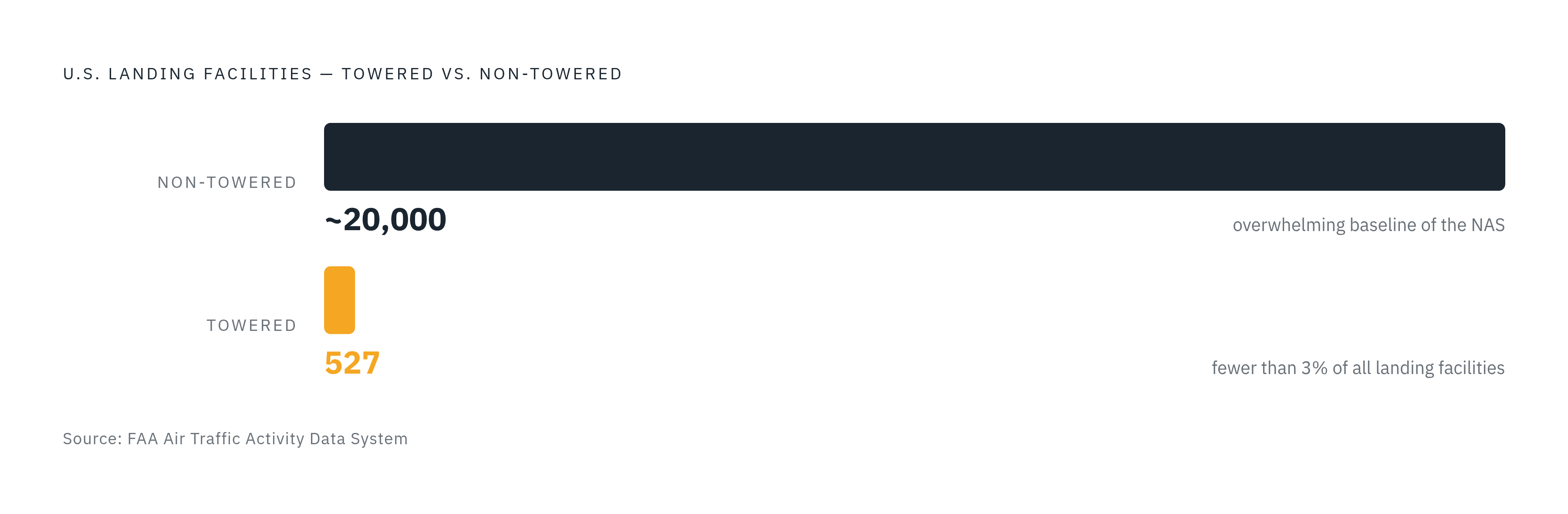
Most airports in the United States don't have a control tower, and that single fact shapes everything about why digital tower hardware exists. The country has roughly 527 towered airports set against nearly 20,000 non-towered landing facilities, so you can't call the absence of tower coverage an edge case. It's the baseline condition of the National Airspace System.
A conventional tower costs too much to build and staff at a small airport, so the traditional model simply stops at a certain traffic volume and never reaches the thousands of fields below that line. An airport director once compared the result to removing every traffic signal from a city's downtown and expecting drivers to sort out the intersections on their own: no structured way to separate traffic, sequence arrivals, or catch a conflict before it turns into an incident. The FAA's digital tower program exists because those small airports need the visual information and control services a tower provides, and because a concrete cab with a staff of controllers will never be economical at most of them. That need, not any particular technology, is where the case for digital tower hardware starts.
What a digital tower replaces
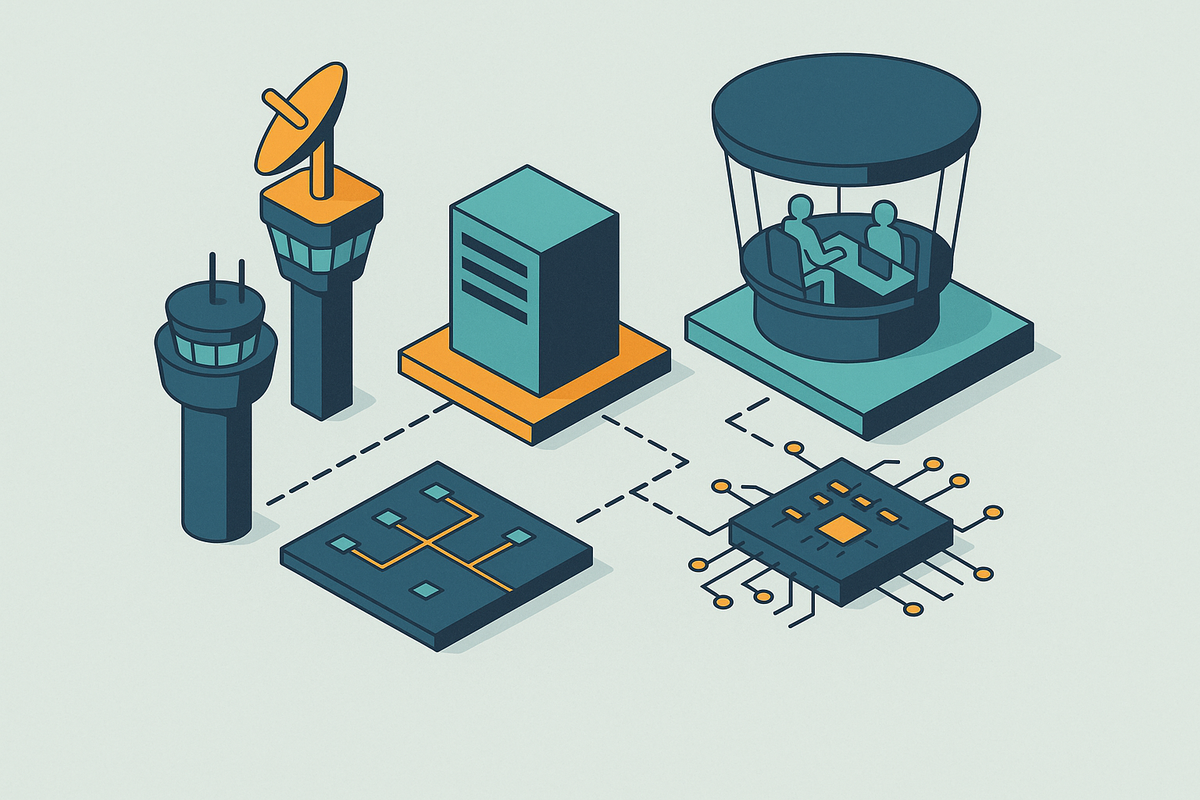
A digital tower takes the concrete cab and the glass a controller used to look through and replaces it with a sensor mast and a purpose-built workstation. Every piece of visual information a controller once gathered by looking out the window now has to be captured by a camera, sent over a network, processed, and put back in front of a human being on a screen, with nothing lost along the way. The handoff from window to screen is the entire design problem. The hardware is the job itself, not a convenience sitting next to it.
The FAA defines a digital tower system as a proposed air traffic control tower solution for the National Airspace System made up of one or more types of optical sensors and displays that give Air Traffic Control Specialists the visual information they need to deliver tower services. Because the sensor array now does the work a window used to do, the display monitors and control equipment can sit anywhere, including off airport grounds. That's also why the FAA is shifting its own language from "Remote Tower" to "Digital Tower": the change strips away the assumption that the facility has to be off-site, since the same workstation architecture works whether the controller sits in a cab on the airport or in a control center miles away.
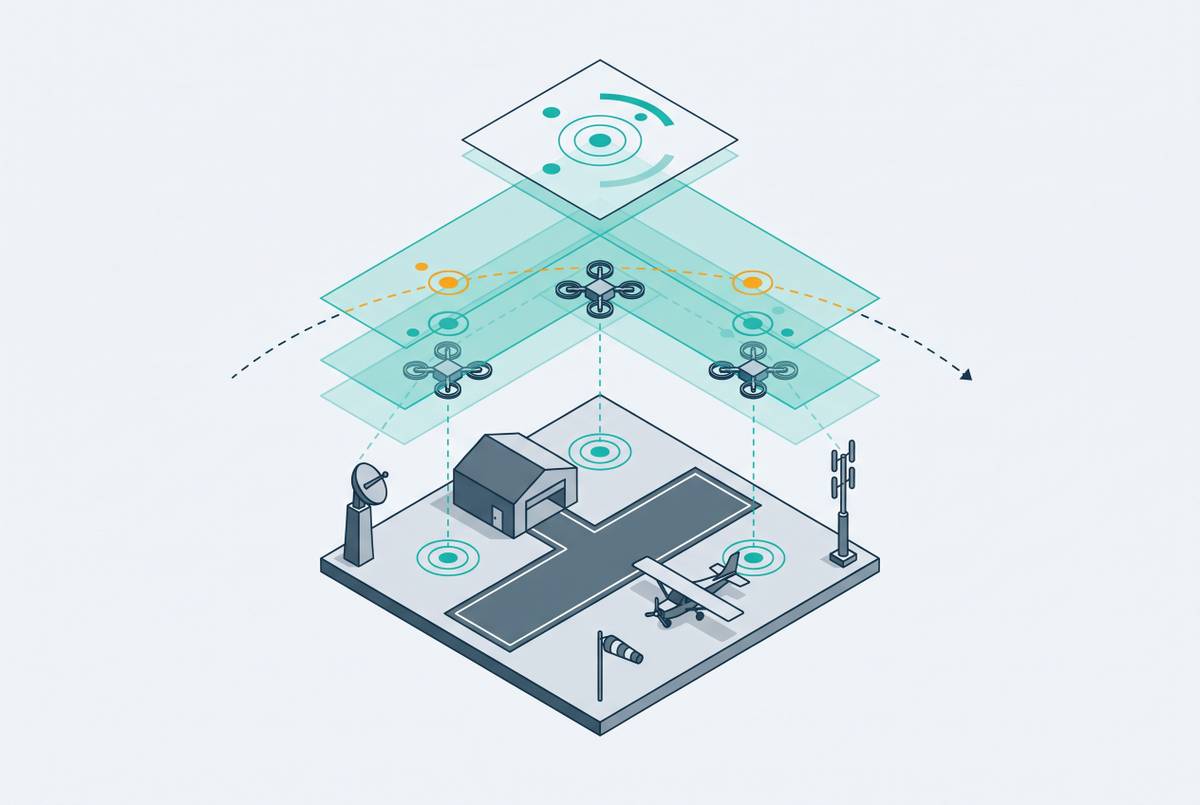
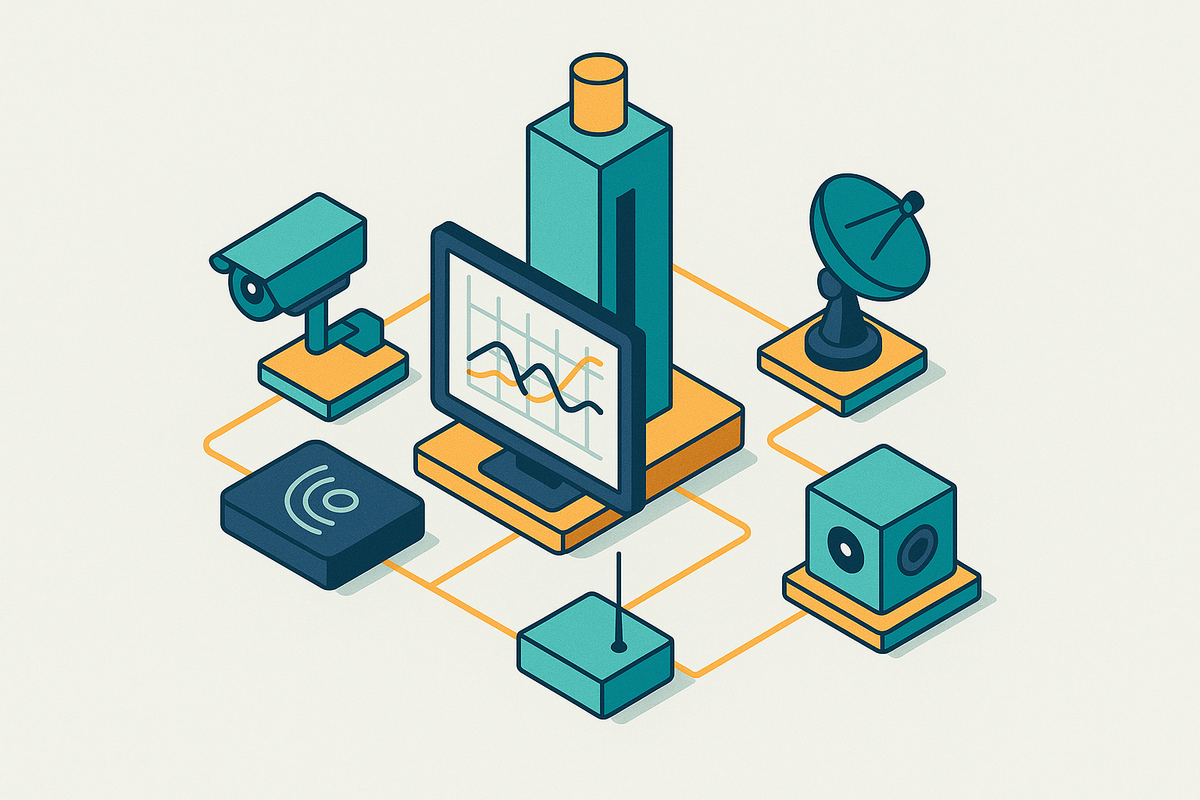
Feeding that workstation are several distinct sensor types working together: high-resolution optical cameras for ordinary daytime viewing, infrared and thermal cameras for night operations and poor weather, and radar surveillance data layered on top. None of those feeds is useful by itself. The workstation has to fuse them, keep them synchronized to each other, and present one coherent, low-latency picture that a controller can act on with the same confidence they'd have standing in a physical cab. That requirement, matching or beating what a human eye and a pane of glass could deliver, is the design brief every hardware choice downstream has to satisfy. The workstation is the control environment, not a peripheral attached to the control process.
The core hardware components of a Controller Working Position
A Controller Working Position is a defined cluster of hardware, and each piece in it answers an operational need that ordinary control room furniture was never built to meet.
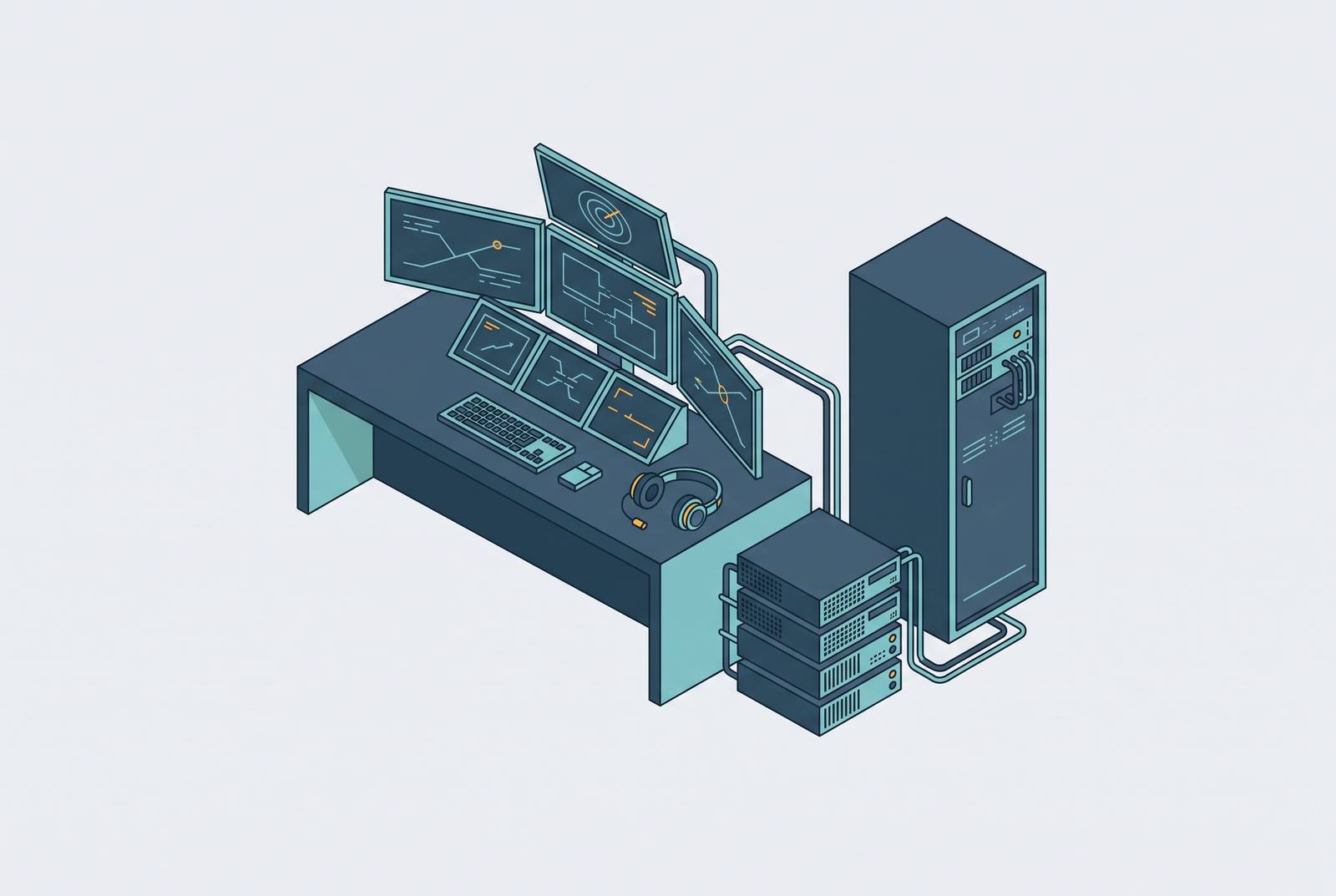
The FAA's draft Remote Tower System specification defines the Control-Display Workstation as a computer workstation that hosts additional display monitors along with a Controller Working Position, a human-machine interface that gives the air traffic control specialist every function, annunciation, and system control they need to do the job. Behind that interface sits a KVM (keyboard, video, and mouse) matrix system, so the processing hardware can live in a separate technology room while the controller works from a position physically apart from it. These systems run over twisted pair cable, optical fiber, or IP networks, and the separation matters for a practical reason: it keeps heat-generating, noise-generating computing equipment away from the controller while still delivering high-resolution video with no perceptible delay.
Above the KVM layer sits the video wall itself, which has to pull in many separate camera feeds and stitch them into one continuous, undistorted view of the airfield. Alongside the video, the workstation has to bring together radar data, air traffic management systems, surveillance feeds, communications, and flight management tools inside a single compliant workspace. Purpose-built console designs, including those built by Evans, use dedicated routing and enclosures that keep cabling out of the way, manage cooling and power distribution, and keep the whole setup ready for an audit at any time.
What appears on that video wall isn't a raw camera feed. Video data gets integrated with air traffic management systems and other sensor inputs, so the controller sees a real-time view with highlighted objects and decision-support overlays built in, and they don't have to interpret footage unaided. Radio communications equipment is built into the same workstation, so a controller can issue an instruction without switching to a separate piece of hardware or losing track of what's on the display.
None of that works if the controller is tired. Purpose-built ATC tower consoles are laid out around ergonomic reach zones specifically because poor ergonomics over a long shift reduces alertness and slows reaction time. In an environment where a controller's job is to catch a conflict before it becomes an incident, fatigue is a safety variable built into the hardware specification itself.
The performance requirements that certifiable workstation hardware must meet
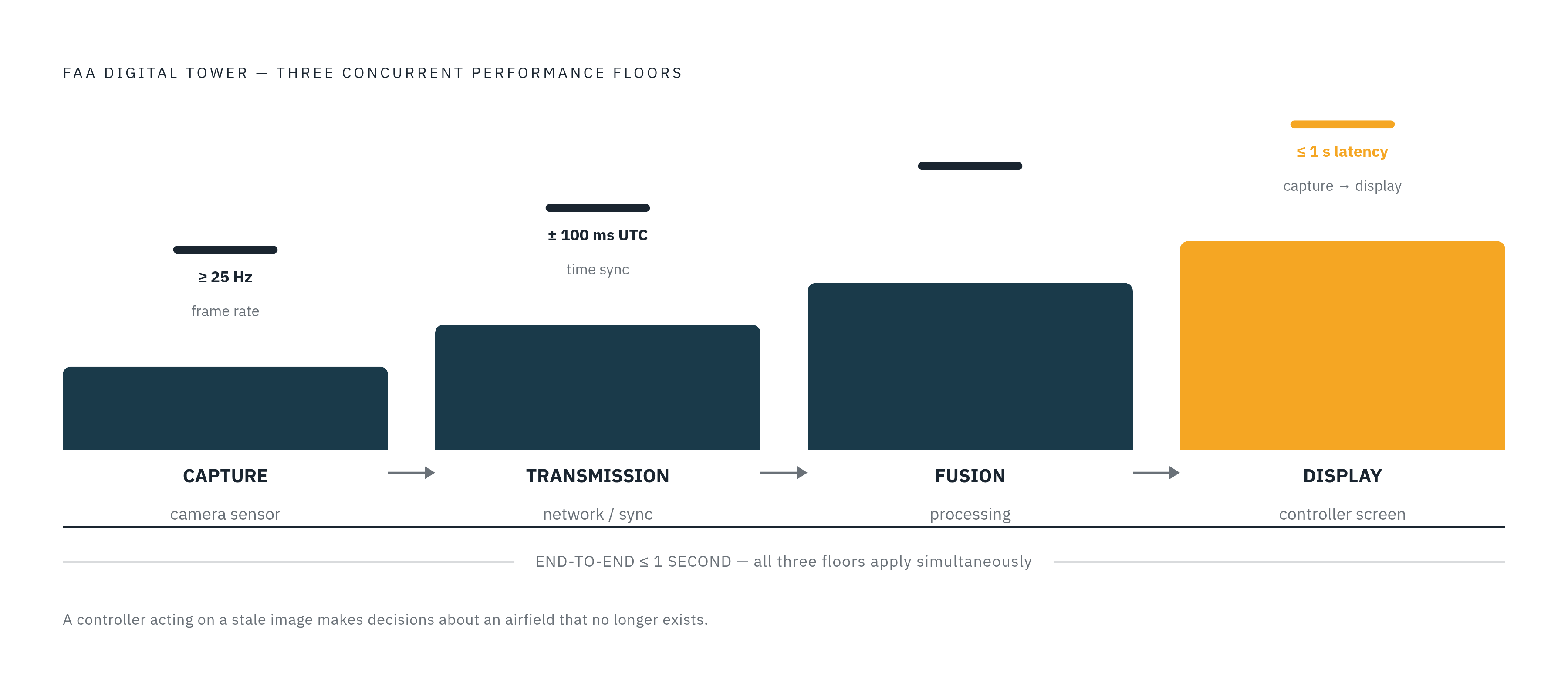
Hardware that merely looks capable isn't enough in this setting, because any shortfall in image quality or timing appears to the controller as a gap in what they can see and act on. The FAA's draft specification sets concrete, numeric floors for exactly that reason.
Minimum video frame rate is set at 25 Hz or higher. Below that threshold, motion across the airfield starts to look discontinuous, and a controller loses the smooth visual tracking needed to judge how fast an aircraft or a ground vehicle is actually moving. Capture-to-display latency has to stay at or under one second between something happening on the airfield and that event appearing on the Remote Visual Presentation display. A controller working from an image that's already stale is making decisions based on a version of the airfield that no longer exists. The system also has to hold synchronization to an external UTC time reference within 100 milliseconds, because camera video, radar, ADS-B, and communications are all separate data streams that have to line up into one coherent picture.
These numbers come from a draft specification, not a finished rulebook, and the FAA's review process backs them with an actual evaluation: manufacturers submit a proposed digital tower system design to the agency, and if that design qualifies for review, the FAA evaluates it at the William J. Hughes Technical Center near Atlantic City, in Egg Harbor Township, New Jersey, before it grants any System Design Approval. That pathway requires manufacturers to show their systems meet functional, performance, and safety requirements that come out of a formal Operational Safety Assessment. Hardware that hasn't gone through that process has no path into an FAA-approved deployment, regardless of its specs on paper.
Some will point out that commercial display and computing hardware can now hit a 25 Hz frame rate or a one-second latency figure without much trouble, raising the question of why purpose-built hardware is needed. A number on a spec sheet doesn't tell you whether a system can pass the test the FAA actually runs. The specification is also asking for integration reliability, redundancy, audit-readiness, and survival through an Operational Safety Assessment, and commercial, off-the-shelf equipment has never been tested against those requirements as a complete system. A monitor that can refresh at the right rate in a lab says nothing about whether it will keep synchronizing correctly with four other data streams across an eight-hour shift in a facility an auditor can walk into at any time.
AI and sensor fusion in the controller's display
The newest digital tower workstations are moving away from raw video and toward AI-processed, fused sensor output, so the controller gets more to see, but the hardware underneath has to do considerably more. Object recognition and tracking, fusion of optical and radar data, automatic flagging of potentially hazardous situations, and transcription of pilot-controller radio traffic are all capabilities now being built into digital tower systems, and all of them show up at the workstation as processed output rather than something the controller has to work out alone. The effect is to let a controller catch an abnormal situation, a communication breakdown, or a developing conflict on a runway or approach earlier than they might by watching raw footage unaided. None of this replaces the controller's judgment: it narrows down what needs that judgment applied to it.
Producing that output in real time is a heavier hardware lift than it sounds. Running AI inference on live video, fusing the result with radar and ADS-B data, and getting the combined picture onto the screen inside the same sub-second latency window the FAA specifies calls for processing capacity and integration work that goes well past a standard multi-monitor setup. High-resolution optical cameras cover daylight conditions well but can't handle every condition on their own. Infrared and thermal imaging have to be built into the same workstation and made switchable without the controller losing track of what they were watching. The workstation, in other words, has to receive and render several sensor types at once, not just optical video, and that means the display hardware, the processing layer underneath it, and the software tying the two together all have to be engineered as one system rather than assembled from parts that happen to work in isolation.
Multi-airport operation from a single controller center
Managing more than one airport from a single location is what makes the economics of digital towers work for low-traffic airports, and it's also the scenario that puts the heaviest load on workstation hardware design. Belgian air navigation service provider skeyes is building toward exactly this model: by the end of 2026, air traffic at Charleroi and Liège airports, roughly 100 kilometers apart, is set to be managed remotely from a single digital control center in Namur. Before committing to that arrangement, skeyes validated its digital tower technology at a Remote Tower Development Centre in Brussels while the Namur facility was still under construction, a sequencing choice that let the equipment and the software prove themselves before the building they'd eventually operate from was even finished.
Running two airports from one position means the workstation has to hold full situational awareness for the airport currently being actively worked while keeping the second airport in a monitoring state, and it has to let the controller shift full attention between the two quickly and without losing track of either. That calls for enough display space, enough input management, and enough processing headroom to run multiple airfield views at once without either one degrading. Cognitive load becomes a hardware design variable at that point: how the displays are arranged and how the interface is laid out has to support the mental model a controller needs when moving between two airfields, because a poor layout in that setting raises the chance of an error in a way a single-airport position never has to account for. These centers typically also co-locate technicians and meteorologists alongside the controllers, so the workstation is one node inside a larger, integrated operations center that the hardware has to be built to fit into from the start.
Purpose-built workstation design and the certification and safety case
Meeting individual component specifications isn't enough to certify a controller workstation for ATC use. The entire system has to be validated together, through a process that generic control room furniture and commercial-grade hardware were never built to pass. The FAA requires manufacturers to submit a proposed digital tower system design, and eligible designs get evaluated at the William J. Hughes Technical Center, where the agency runs an independent assessment of the system's capabilities in a demanding operational setting before it issues a System Design Approval. That evaluation follows a defined chain: Operational Visual Requirements feed into an Operational Safety Assessment, which produces Minimum Functional, Performance, and Safety Requirements, which in turn generate Minimum Technical Requirements. Every piece of workstation hardware has to satisfy requirements that trace back to a safety analysis, not just a list of desired features.
Digital tower systems also don't operate as standalone equipment. They work alongside what's specified in FAA Order JO 7210.78 Appendix A, the Minimum Equipment And Facilities List, and they have to run in accordance with FAA Order JO 7110.65 and FAA Order JO 7210.3. The workstation sits inside a certified operational environment defined by federal order, not a product a facility can swap in on its own judgment.
That certification reality shapes even how a workstation gets upgraded. Purpose-built console designs support zero-downtime, live cutover installation, so a new console can go in while the tower keeps running without interruption. In most industries, a maintenance window is a scheduling detail. In a certified ATC environment, a gap in service during a hardware swap is a safety and compliance failure, and that single distinction is what separates purpose-built workstation hardware from anything assembled out of generic parts.